
How Buzzerelio works
The host runs the game from one device; every player buzzes from their own. Here is a game from start to finish.
Host a game
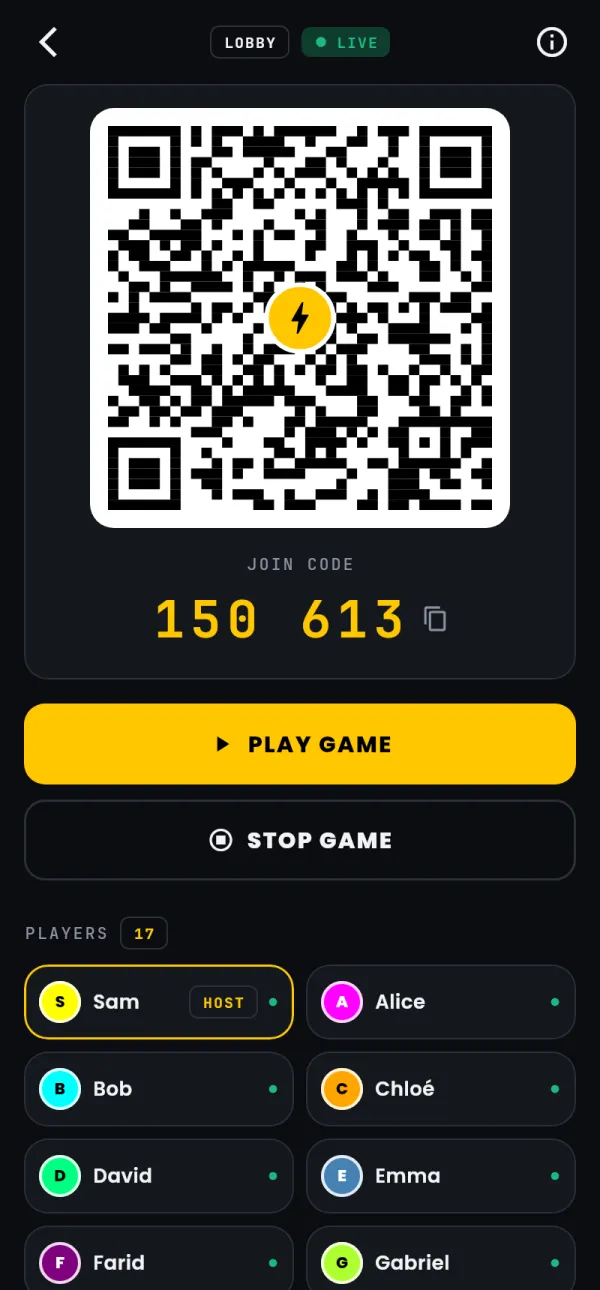
Open the app or buzzerelio.web.app and tap Host game. Type your name; turn on Participate too if you will buzz as well. Tap Create game: the lobby shows the QR code and the join code, and the players appear as they join. A laptop on a TV or a projector makes the code readable from the back of the room.
Join
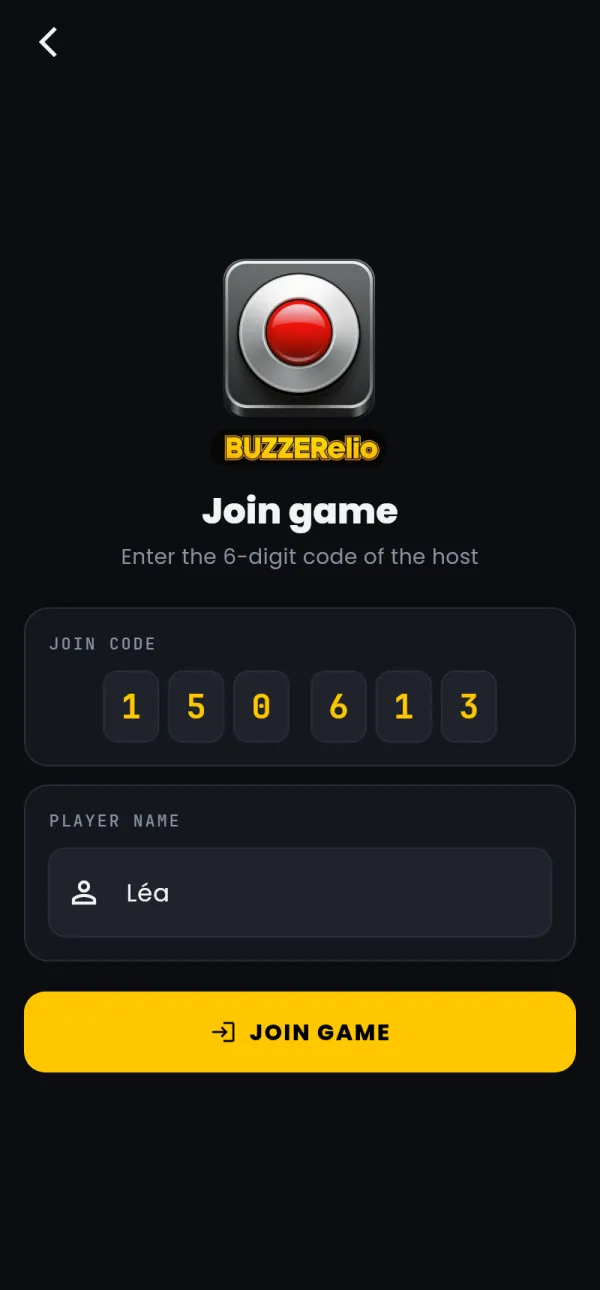
Scan the QR code with the phone's camera, or open the app, tap Join game and type the 6 digits. Type your name and tap Join game. A join code works for an hour after the host shows it.
Play
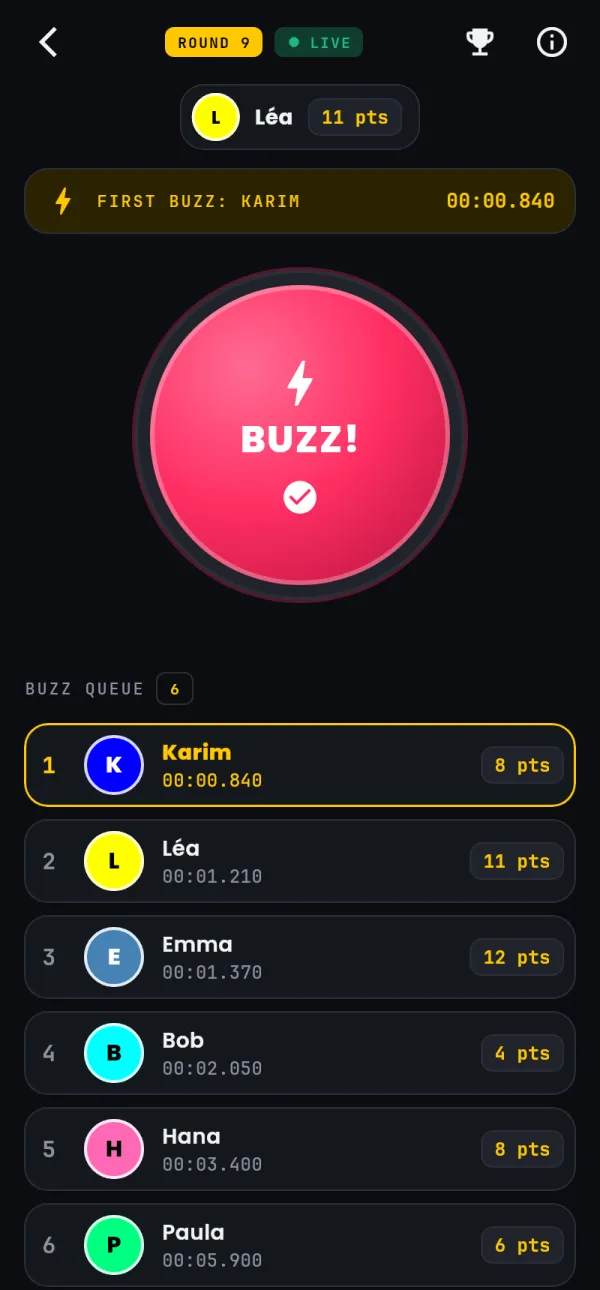
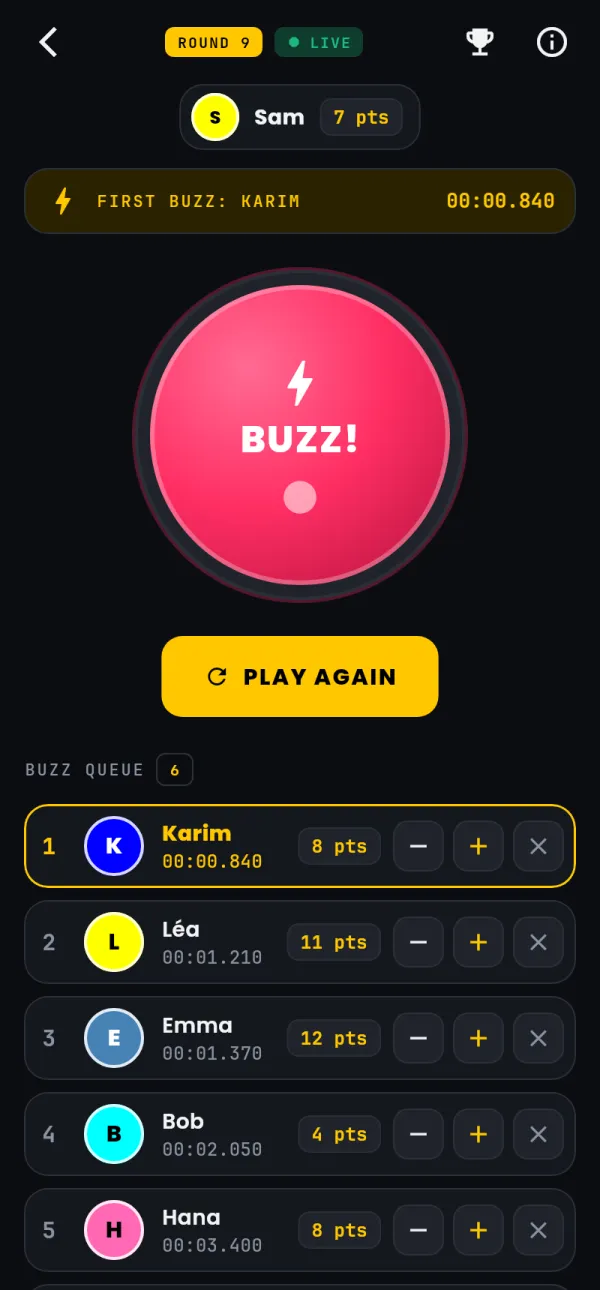
The host taps Play game, then Play again to open each round. Players press BUZZ! once per round. The host's Buzz queue lists the buzzes in the order they reached the server, with the time since the round opened.
Score
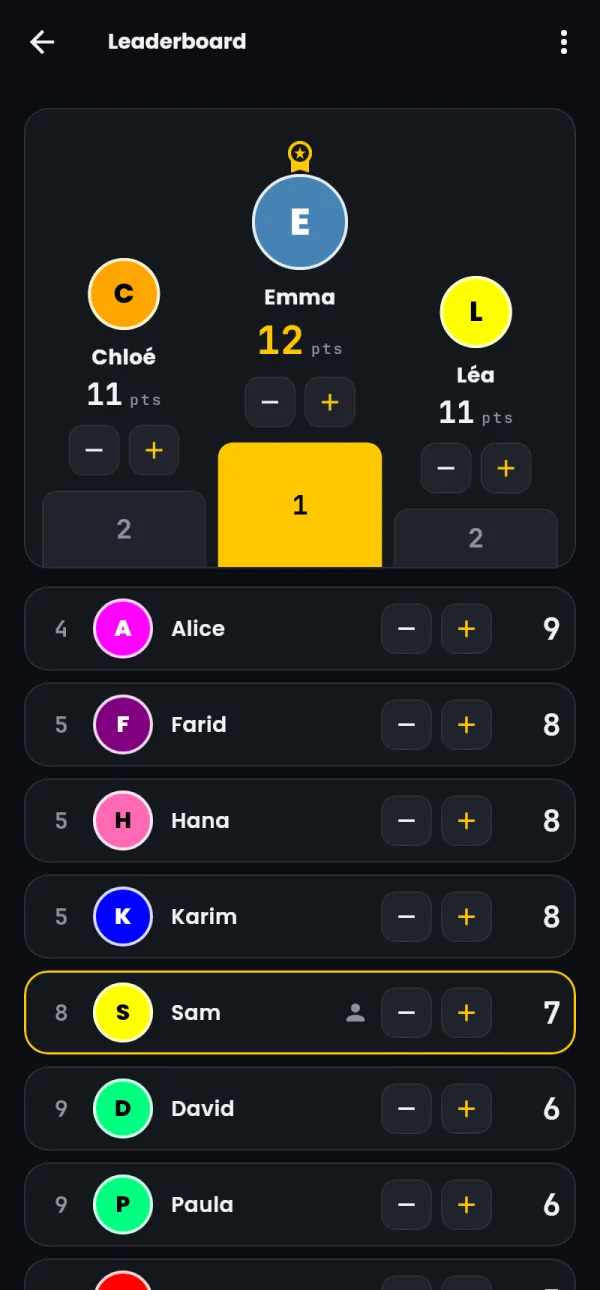
The host adds or removes a point next to each buzz, or opens the Leaderboard to set a score. Scores can go below zero. Reset scores starts again from zero.
Finish
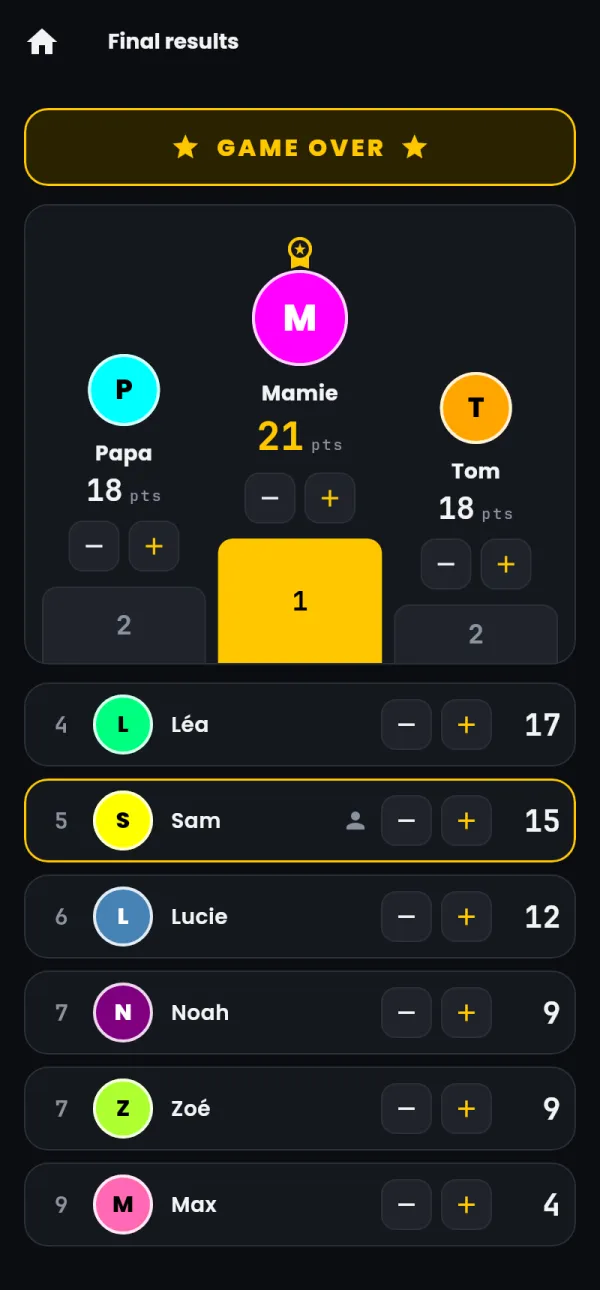
Stop game shows the Final results on every phone. The players find them again under Last game results for 15 days.
Good to know
The host can give control of the game to another player from that player's page (Control the game), and remove a player or a buzz. If the host's phone closes the app, Resume game on the home screen brings the game back.